You will receive an automatic notification if there is an issue with overtime in the weekly working hours, so you do not have to deal with such overtime repeatedly.
Time and Attendance Management
Regardless of the size of your company, Idenfit enables you to easily schedule your employees’ work shifts.
Idenfit helps you plan your employees’ schedules in just a few minutes and manage leave, availability, and shift change requests. You can track employees’ worked hours, avoid budget overruns and overtime, reduce absenteeism and late arrivals, and handle unexpected changes seamlessly. Idenfit’s time and attendance management module is a perfect choice for multi-location offices.
The desktop dashboard and mobile app of Idenfit allow employees to easily manage their shifts on the platform by recording their arrival and departure times respectively when they start and end their shifts. You do not need to manually enter break times; this happens automatically.
Get Started with Time and Attendance Management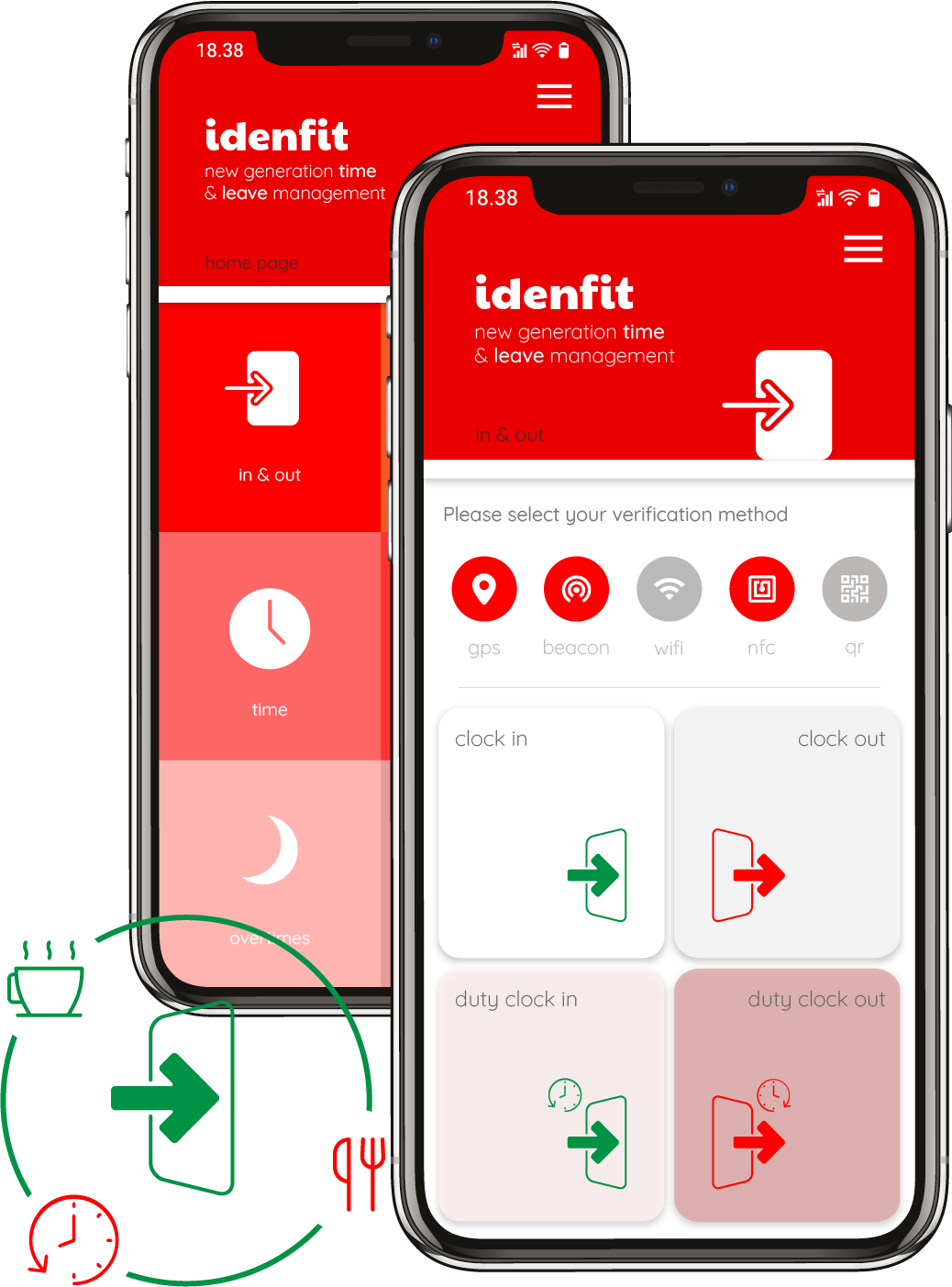
Time Management
With Idenfit's time and attendance management, you can manage employees' arrivals, shifts, leave, overtime, and public holidays without hassle. Idenfit ensures that shifts are calculated correctly. Well-calculated shifts help users perform performance evaluations more efficiently.
Get Started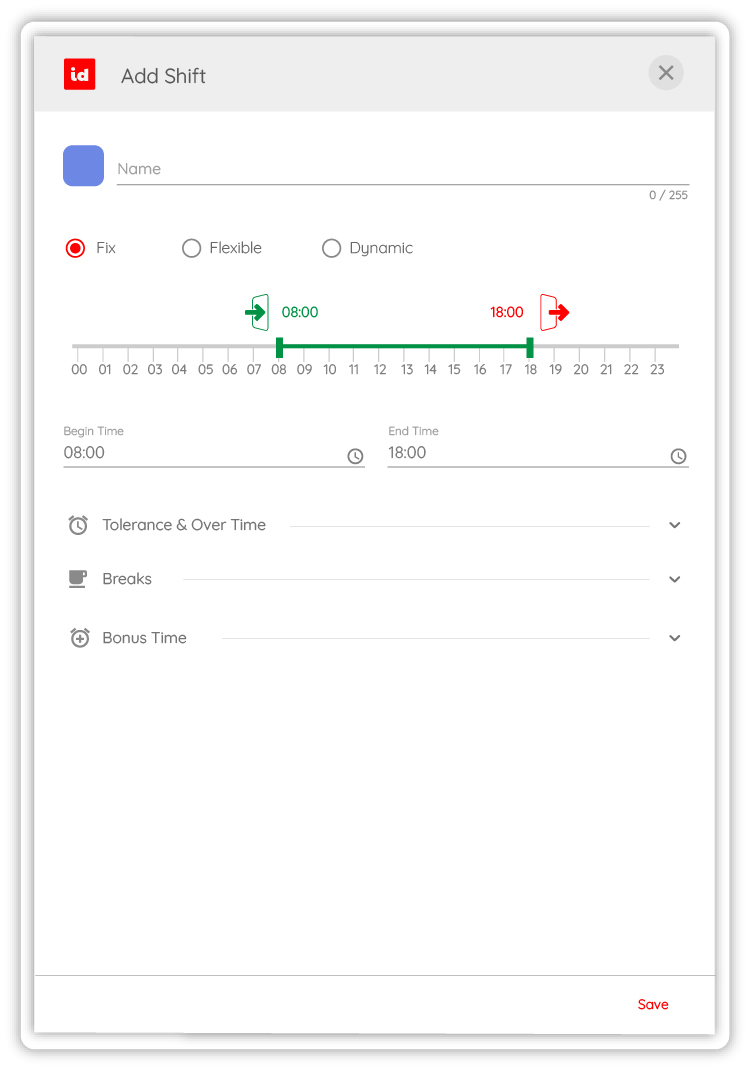
Smart Shift Management
You can allow your employees to choose the shifts they want to work by scheduling available shifts for them with Idenfit’s smart shift management program. The shifts, lost hours, and breaks of your employees can be viewed and managed through a single panel. In smart shift management, shifts can be categorized as fixed, flexible, and dynamic shifts. Fixed shifts are based on specific start and end times, while flexible and dynamic shifts take the total working hours throughout the day into account.
Annual Calendar
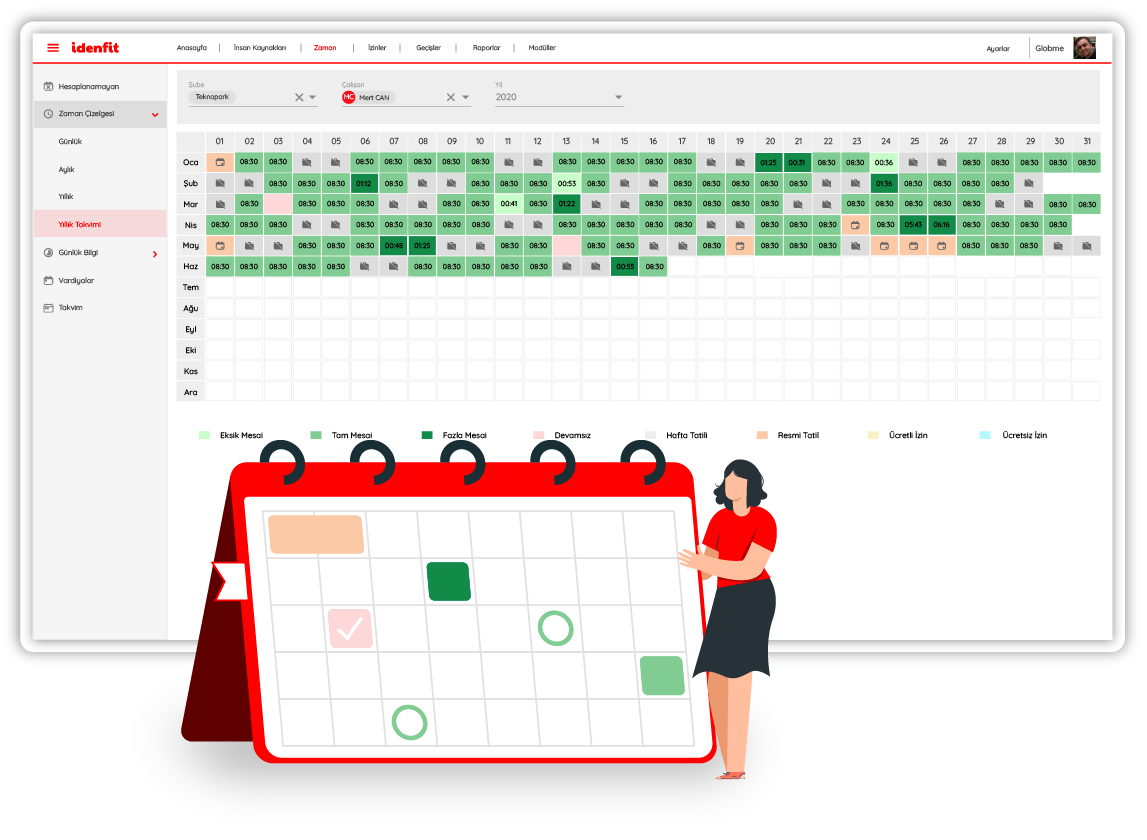
Idenfit allows you to manage the arrivals, shifts, leave, overtime, and public holidays of employees on an annual calendar for each employee individually. Data can also be edited manually. The annual calendar provides companies with detailed time and attendance data all in one dashboard where you can track your team’s habits respectively.
Shift Calendar
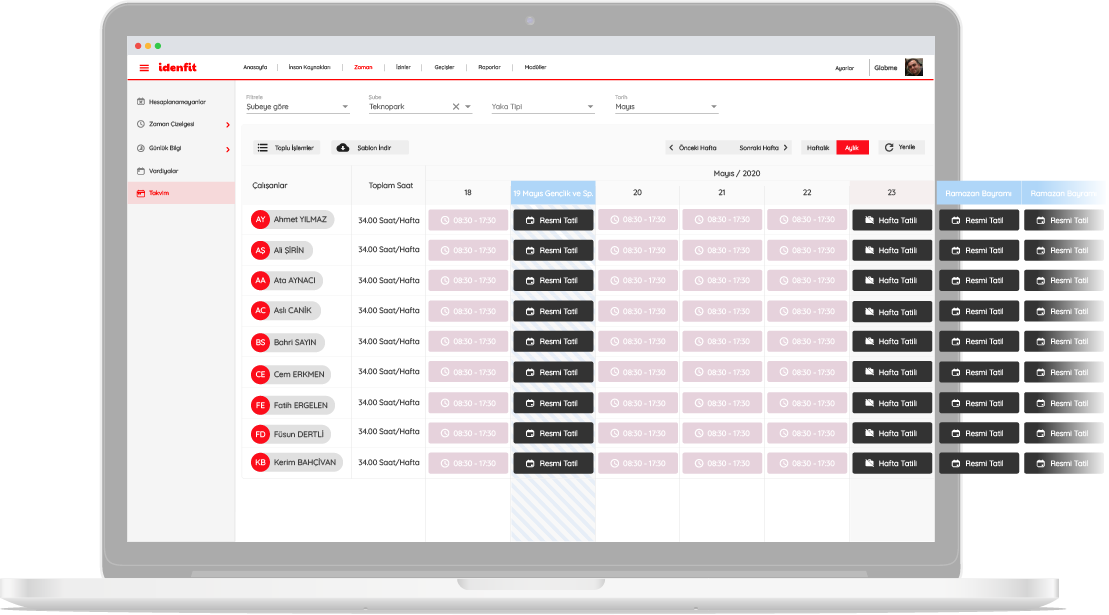
Scheduling employee shifts on Idenfit gives you all the insights you need to plan conflict-free shifts in just a few minutes. From one platform, you can track shifts and see all shift scheduling on the calendar with a colorful and fun design. You can easily account for holidays and unavailability, avoid scheduling conflicts, and prevent overtime while staying within budget.
With Idenfit, you never have to create the same shift schedule twice. Instead, you can enjoy the flexibility of our repeat function or create templates for future use.
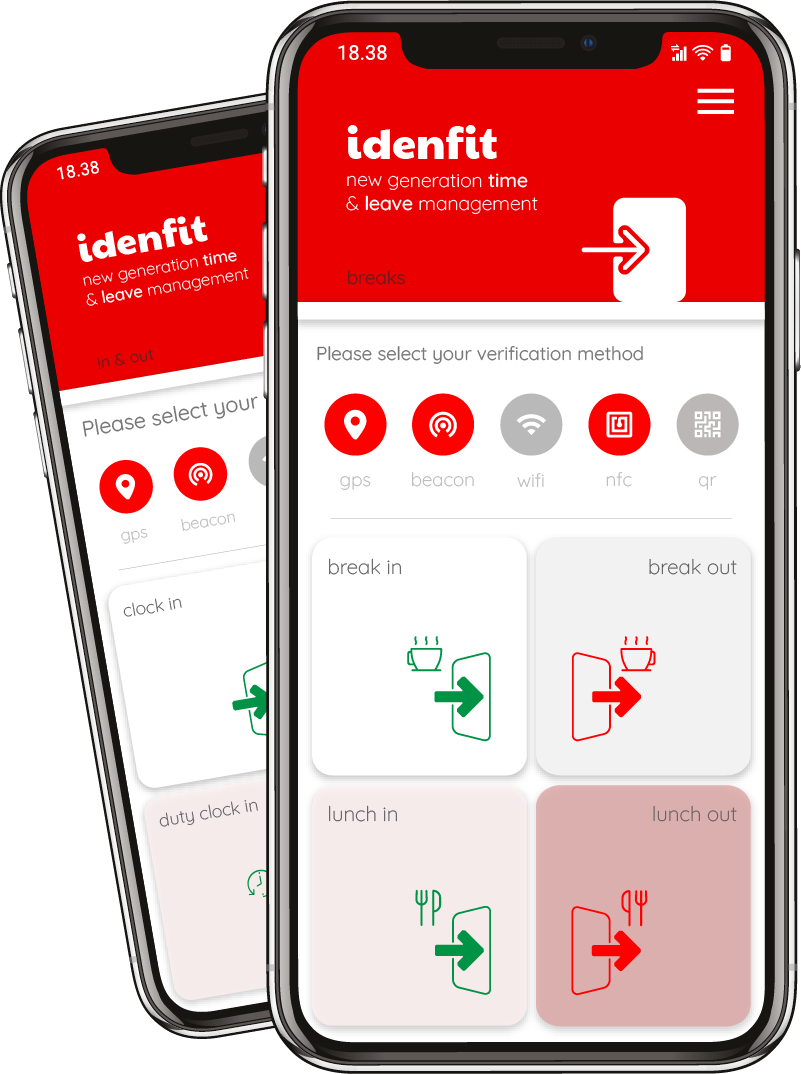
Breaks
Idenfit allows you to manage breaks during shifts flexibly, depending on the type of shift. Break data is stored and can be obtained as a report upon request. Breaks are defined and added on Idenfit according to company policy.
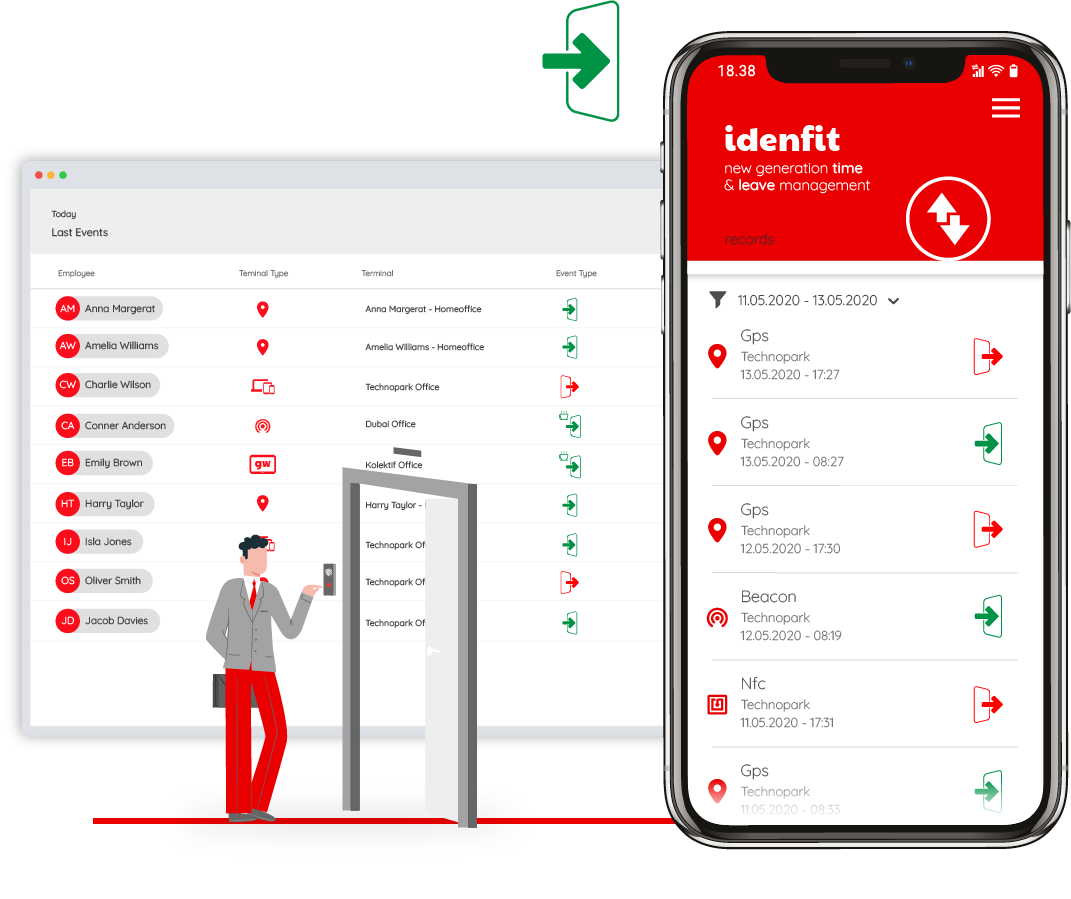
Live and Historical Monitors
The real-time shift data of employees can be viewed on the live and historical monitors. On the live data monitor, you can view the last 10 real-time movements of the employees. The historical data monitor shows the data history that can be filtered based on personnel, date, and terminal.
At the terminals or checkpoints where authentication is required, employee photos can be taken on the Idenfit mobile app with the real-time photo capture feature. The live and historical monitors consist entirely of real-time data.
Frequently Asked Questions
What is time tracking and how is it calculated?
Time tracking refers to the system used to keep track of employees’ clock-in and clock-out times, leave, breaks, and overtime. To prepare accurate data, employees’ time data is collected and organized using time schedules, time logs, or specialized time tracking software.
What are time schedules, time logs, and time tracking used for?
Time schedules or time logs show how many hours an employee has worked within a certain period, when they were on leave, and whether they have accrued overtime.
- Daily time tracking examples help individuals keep track.
- Weekly or monthly time tracking lists gather data for the entire team.
- Overtime time schedules record extended working hours and support accurate payroll processing.
What is time tracking software and how does it work?
A time tracking system is a digital platform that automatically collects, organizes, and reports employees’ time data – eliminating the need for manual entry and reducing errors.
How is employee time and attendance tracked via a time tracking system?
Employee time tracking includes individual records of attendance, leave, and overtime. Whether the company works with fixed shifts or rotating schedules, time tracking systems ensure accurate tracking for each employee.
How is leave management integrated into time tracking systems?
Time tracking software is integrated with leave management modules. Annual leave, sick days, unpaid leave, and holidays are automatically displayed in the time tracking records.
This ensures that reasons for absence are systematically documented, streamlines payroll processing, and provides compliant data for audits.
Last updated: